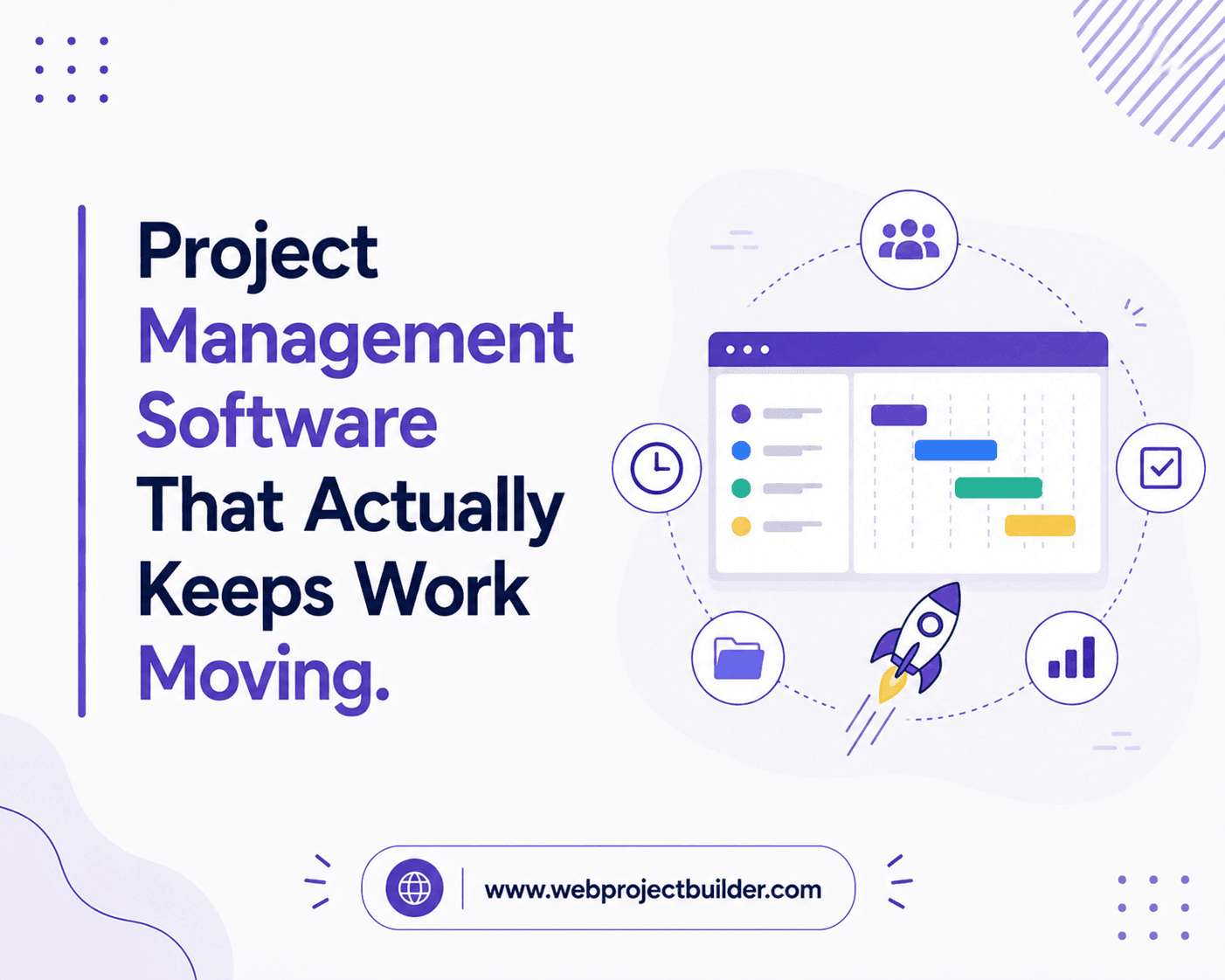
Project Management Software That Actually Keeps Work Moving
Managing projects shouldn’t mean drowning in spreadsheets, scattered chat threads, and status meetings that could’ve been an email. Modern project management software solves this by putting tasks, timelines, files, and conversations in one place -a single source of truth your whole team can trust.
But storing tasks isn’t enough. The real difference between a to-do list and a system that ships work on time is momentum. Deadlines slip not because people forget the work, but because nobody nudges the process forward. This is exactly where an automated follow-up system transforms how teams operate.
From Task Tracking to Task Completion
Traditional tools tell you what needs doing. Smarter platforms make sure it actually gets done. An automated follow-up system pings the right person at the right moment -reminding a reviewer that approval is overdue, alerting a manager when a task stalls, and escalating blockers before they derail a sprint. Instead of chasing updates manually, you let the software do the chasing.
That shift matters. Teams using automated reminders spend less time in coordination overhead and more time on actual output. Follow-ups happen consistently, politely, and on schedule -no awkward “just checking in” messages required.
What to Look For
When comparing project management software, prioritize:
- Automated follow-ups and reminders so nothing falls through the cracks
- Clear visibility through Kanban boards, timelines, and dashboards
- Integrations with your existing tools
- Simple onboarding your team will actually adopt
Free and enterprise options both exist, but the feature that consistently separates high-performing teams is automation. A tool that only records work still leaves the follow-up on your plate. A tool that automates follow-up gives you back your calendar.
The Bottom Line
The best project management software doesn’t just organize work -it drives it forward with an intelligent automated follow-up system that keeps everyone accountable without micromanaging.
Ready to see how automation can transform your workflow? Explore the full guide to project management software.